
Say you’re ordering 300 polo shirts with your company logo on the chest. The supplier asks for your artwork, so you send the PNG from your website. Next morning, one line comes back: “We need a DST file.”
Now what?
Well, this is where most first time buyers get stuck. You have a logo, but you don’t have the right file. The file format wholesale apparel suppliers want is a different thing from the image on your website and that gap is where orders slow down. If you’ve read a png to vector file guide or looked into vector tracing, you’re already halfway there. This post covers the other half: what each file does and which ones your supplier needs.
Which File Format Do Wholesale Suppliers Actually Want?
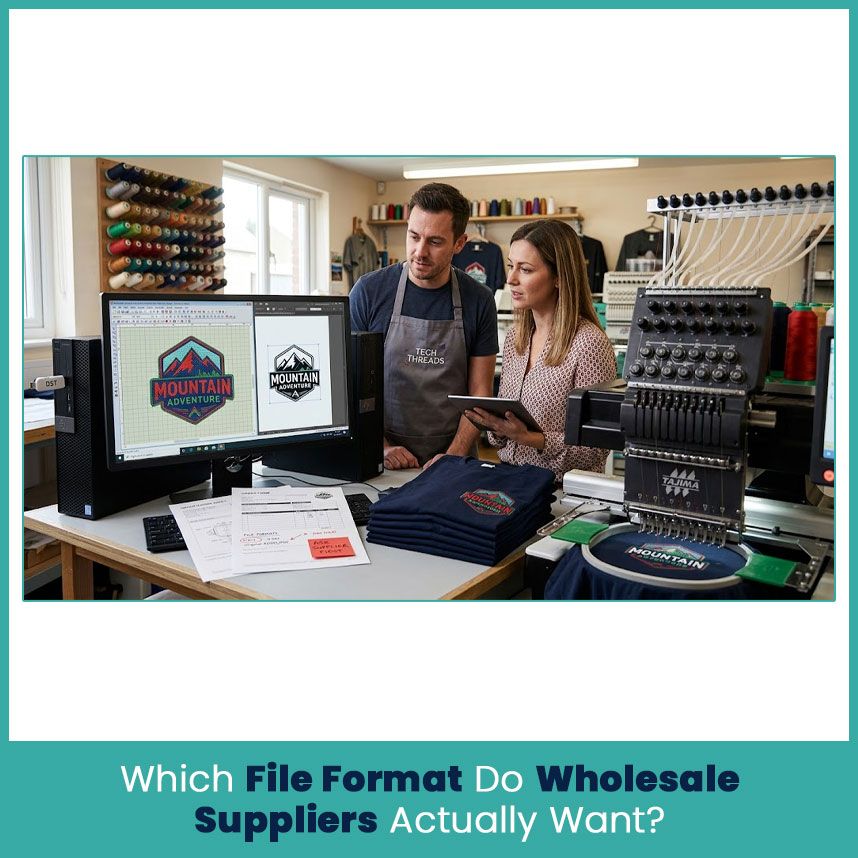
Most wholesale embroidery suppliers want a machine ready file, usually DST, plus your original logo artwork. Some use other formats because of their machines or software. Ask before you pay anyone to prepare the design./
Machine Ready Embroidery Formats Suppliers Ask For First
DST (Tajima), the Industry Standard for Bulk Orders
Almost 99.9% of embroidery enthusiasts know DST is the most common file format in embroidery industry. It stores stitch data, machine commands and all sewing related insturctions.
Mostly buyers miss this: a DST is not your original digitizing file. It carries the stitching instructions but it may not keep the editable objects and settings the digitizer used to build the design.
Check three things before you send one:
- The logo has the correct finished size.
- The format matches what your supplier asked for.
- The digitizer built the design for your garment and fabric.
A file opens perfectly on a machine and still stitches badly. Yeah, it happens when the machine setting is out.
PES, EXP, JEF and Other Machine Specific Formats
Brother and Baby Lock machines use PES. Janome uses JEF. Melco systems use EXP. Support changes with the machine and software version, so don’t guess.
Just ask your supplier. If they want DST and you send PES, someone has to convert it, and that eventually costs you a day or two.
Vector Artwork Formats Suppliers Need Alongside Your Embroidery File
AI, EPS and SVG for Logo Reference
These files keep your logo shapes sharp at any size. A digitizer opens one and sees every letter and border clearly.
Take a logo with a thin outline around the company name. The vector file shows that outline perfectly. But a line that looks great on a screen can be too narrow for thread, so the digitizer has to decide how thick it becomes in stitches.
Vector artwork is a starting point. It’s not a machine file, not at all.
High Resolution PNG and PDF as Backup Files
A clear PNG gives the supplier a quick look at the design. A PDF is handy when you want to put measurements, colors and placement notes in one place.
Keep your file names simple:
- Company_Logo.svg
- Company_Logo_Reference.png
- Company_LeftChest.dst
- Company_Logo_Specifications.pdf
By the way, good names matter more than you’d think, especially when a business has separate logos for shirts, jackets and caps.
Why Wholesale Suppliers Reject Most Files Buyers Send
JPG and Low Resolution Logos: The Most Common Mistake
A website logo looks sharp at its normal size but when you zoom in, the edges look rough and the letters look shrunk and that makes it hard to recreate the design accurately.
My first move is always the same: ask the brand owner or designer for the original file. It beats redesigning a logo from a tiny image.
Simple logos with solid colors are easier. Crests, small lettering and overlapping shapes take more work. Stuck with only a low quality JPG? Send it to the supplier and ask if it’s usable.
Why a Stitch File Is Not the Same as an Image File
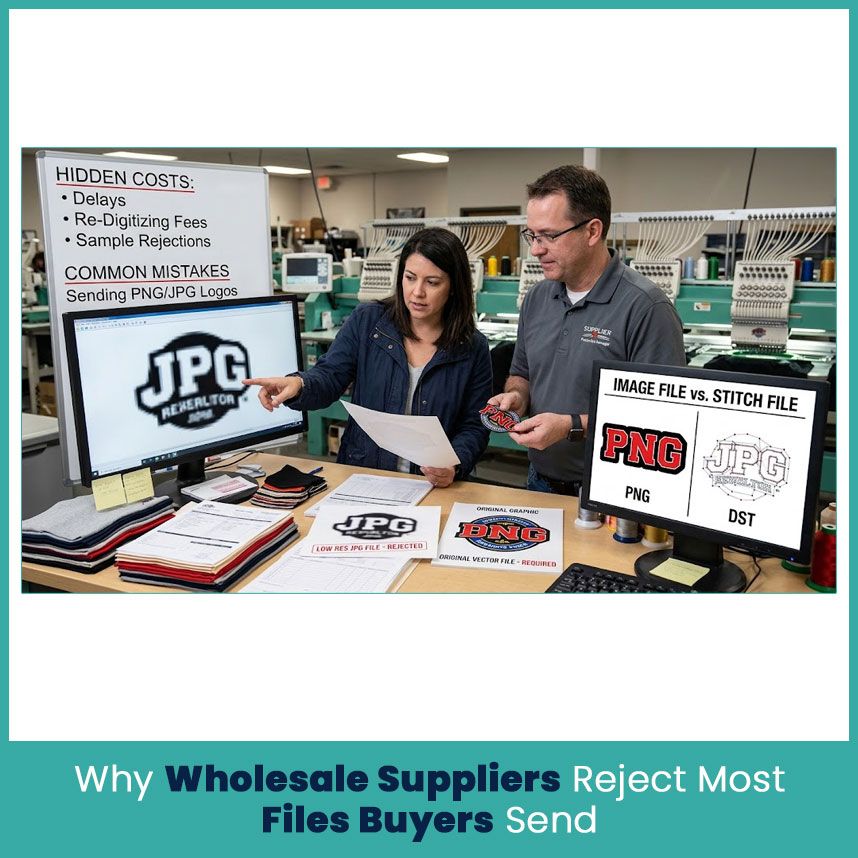
A PNG shows what your logo looks like. A DST tells the machine where to put each stitch.
Picture red letters with a black outline. The image shows two colors. The embroidery file needs stitch paths, stitch types, spacing and a sequence, and the digitizer has to think about how thread behaves on fabric.
Renaming PNG to DST creates none of that. Yup, the design needs real digitizing.
Hidden Costs of Sending the Wrong Format (Delays, Re-Digitizing Fees, Sample Rejections)
A bad file delays the order and sometimes adds charges. The supplier may ask for new artwork, arrange digitizing, or fix a design that doesn’t match the approved sample.
Watch for these:
- Delays: the supplier waits on artwork or missing details.
- Extra charges: cleanup, new digitizing or big revisions can cost more.
- Sample problems: the stitched logo looks different from what you approved.
- Color mistakes: with no clear reference, the supplier picks a thread shade by guess.
Ask what your quote includes. Some suppliers cover basic file checks. Others bill digitizing and artwork prep separately.
DST vs Other Embroidery File Formats: Which One Fits Your Order?
DST vs PES: Compatibility Across Commercial Machines
DST is common in commercial shops. PES belongs to Brother and Baby Lock systems. The right one depends on your supplier’s equipment, nothing else.
Don’t pick a format because it sounds more professional. Supplier says DST? Send DST. Supplier says PES? Send PES. Of course, if you’re not sure, a quick email settles it.
Editable Formats vs Stitch-Only Formats (Why Suppliers Want Both)
An editable file keeps the original objects and stitch settings. Wilcom’s EMB is one example. DST mostly stores the stitching instructions for the machine.
You’ll appreciate the editable file later. Say your company changes its logo color next year, or wants the same design smaller. The digitizer reopens the original project instead of rebuilding from a stitch only file.
Ask your digitizer to keep the editable file with the approved machine file, even if the supplier only asks for DST.
Which Format Works for Multi-Head Machines in Bulk Orders
Multi head machines need a compatible file, and DST is common here. Still, the format is just one piece.
Think about one logo going on polos and structured caps. Fabric, shape and stitching area are different, so the settings probably need to differ too. A good digitizer checks each garment instead of reusing one file for everything.
What a Supplier-Ready Embroidery File Package Should Include
Core Files Checklist for Wholesale Orders
Don’t send only the stitch file. Suppliers usually want the artwork and placement details too. Make sure everything sits in one clearly named folder.
Stitch File, Artwork File and Thread Color Chart
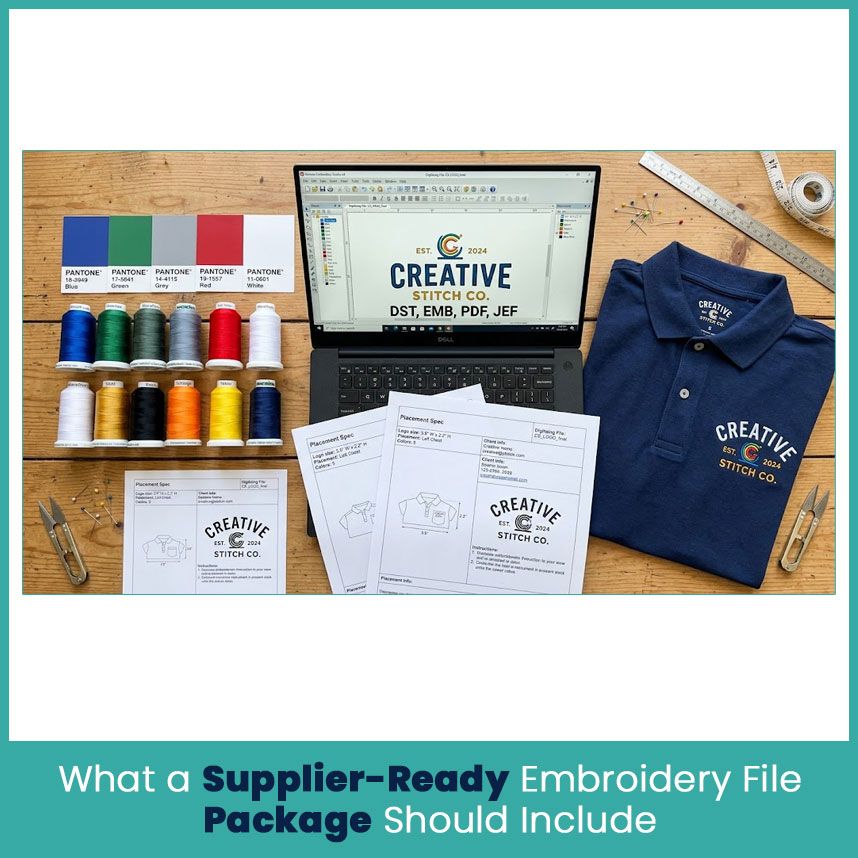
A typical package has:
- The machine file they asked for, such as DST or PES.
- The original vector artwork, if you have it.
- A clear PNG or PDF of the approved logo.
- Thread color references.
- The editable embroidery file, if your digitizer provides one.
Your supplier may not need all of it, so confirm first.
Placement Sheet and Size Specifications
“Put it on the left chest” leaves too much room for mistakes. Give numbers.
For example, a logo 3.5 inches wide, sitting on the left chest at a set distance from the collar. Your own measurements depend on the garment and your brand rules.
Include:
- Finished width and height.
- Garment type and placement.
- Distance from a seam, collar or pocket.
- Different sizes for different garment styles.
- Special notes for caps, sleeves or curved areas.
Exact numbers stop you from getting a logo that sits too high or too close to a seam.
Pantone and Thread Color Reference Suppliers Depend On
A Pantone code points to your brand color, but thread won’t match it exactly. Every thread maker has its own shades, and the fabric underneath changes how the color looks.
Share the Pantone reference and the thread color number if you have it. If exact color matters to your brand, definitely ask to see the thread before you approve.
Mockups and Digitizing Approval Proofs Before a Large Order
Check the digital preview first. Look at spelling, shape, colors, size and placement. Spot a problem? Get it fixed before anyone stitches a sample.
The preview can’t show every detail of real embroidery, though. On a big order, ask for a stitched sample on the actual garment. Check the lettering, outlines and position before you approve the rest.
How to Prepare Your Artwork Before Sending It to a Wholesale Supplier
Minimum Artwork Quality Requirements (Resolution, Size, Clean Edges)
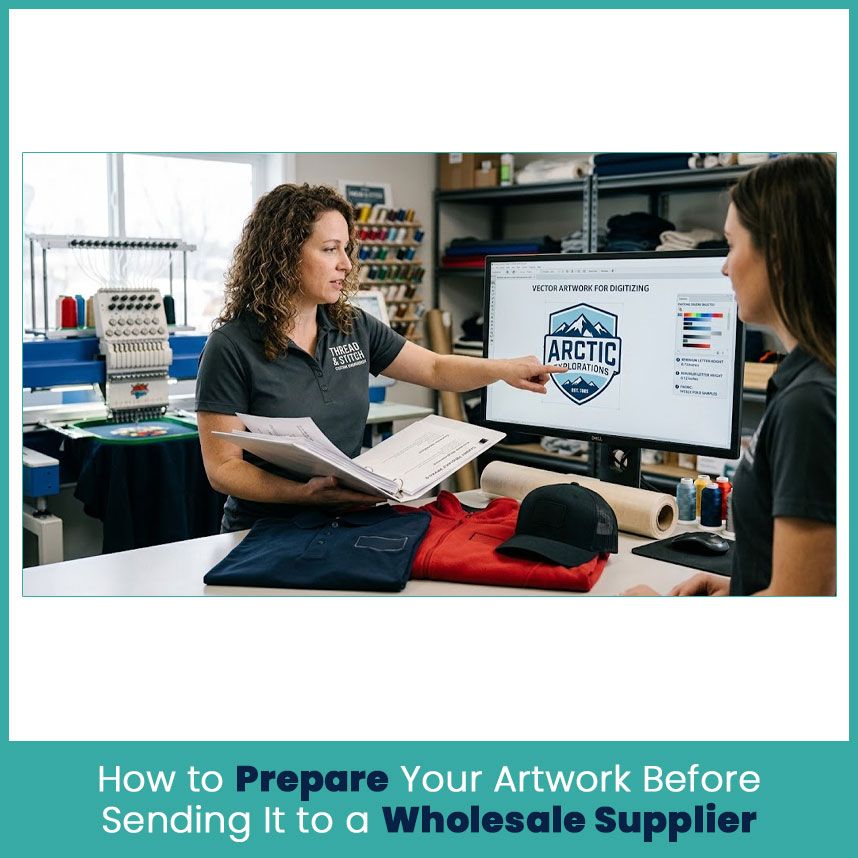
Send the original vector logo if you have it. If not, use the largest, clearest image you can find. Website screenshots and social media copies usually lose too much edge detail.
A 300 DPI image at the intended size helps, but resolution doesn’t fix a blurry logo. Tiny lettering and thin lines still need a close look.
Got small text in your logo? Ask the digitizer if it stays readable at the finished size. Actually, sometimes the design just needs a small tweak to work in thread.
Fabric, Garment Type and Placement Details Suppliers Need
Tell your supplier what the logo goes on. A cotton polo, a fleece jacket and a structured cap all behave differently under the needle.
Share these before digitizing starts:
- Garment type and fabric, if known.
- Finished logo size.
- Exact placement.
- Number of thread colors.
- Special requests, like raised puff embroidery.
These details decide stitch density, underlay and compensation. The digitizer needs them to make the logo look right on the garment.
Common Artwork Mistakes That Cause Thread Breaks and Poor Stitch Quality
Not every thread break starts with artwork. Needle condition, thread quality, machine settings and fabric all play a part. But weak digitizing causes plenty of avoidable trouble, and I’m pretty sure that’s the one buyers can fix fastest.
Watch for:
- Tiny letters with crowded stitches.
- Thick borders squeezed into narrow spaces.
- Too many stitches packed into a small area.
- Long stitches that don’t suit the design.
- Underlay or stitch direction that doesn’t suit the fabric.
- Resizing a design without adjusting the stitch settings.
A clean logo helps. The digitizer still has to prepare the stitch file properly.
What to Do If You Only Have a JPG or PNG Logo
Can a Supplier Work From a Low Quality Image?
Sometimes. A simple logo with a few solid colors is easier to recreate than a crest with thin lines, small letters and overlapping shapes.
Send the image and ask. If it’s too blurry, check with your designer or brand team for the original before paying for heavy cleanup.
Also ask if cleanup is in the quote. Not every supplier does it for free.
Converting Artwork to Embroidery Files Through Professional Digitizing
Raster to vector conversion recreates clean shapes from a decent JPG or PNG. Good for editing and resizing. Still not a machine ready embroidery file.
If you try png to vector free tools, check the result closely. Automatic tracing can leave rough edges and extra points, and that matters when the logo has small letters or narrow outlines.
After cleanup, a digitizer builds the stitch design for your garment. They pick stitch types, direction, density and sequence based on the logo and fabric. Send the garment details with the artwork so they have what they need.
How Much Digitizing Costs and How Long It Takes for Bulk Orders
Price depends on the design, the provider, the file format and how many revisions you need. A simple company name takes less work than a detailed crest or a cap design with raised embroidery.
Ask the provider:
- What is the digitizing fee?
- How many revisions are included?
- When will the file be ready?
- Does the price cover a preview or sample review?
- Do extra sizes or garment versions cost more?
A big garment order doesn’t automatically mean a bigger digitizing fee. If every garment uses the same approved design, one file may be enough. Different sizes, placements or garment types might need separate adjustments.
How to Confirm File Requirements Before Placing a Wholesale Order
Questions to Ask Your Apparel Supplier About File Formats
Before you send the logo, get answers to these:
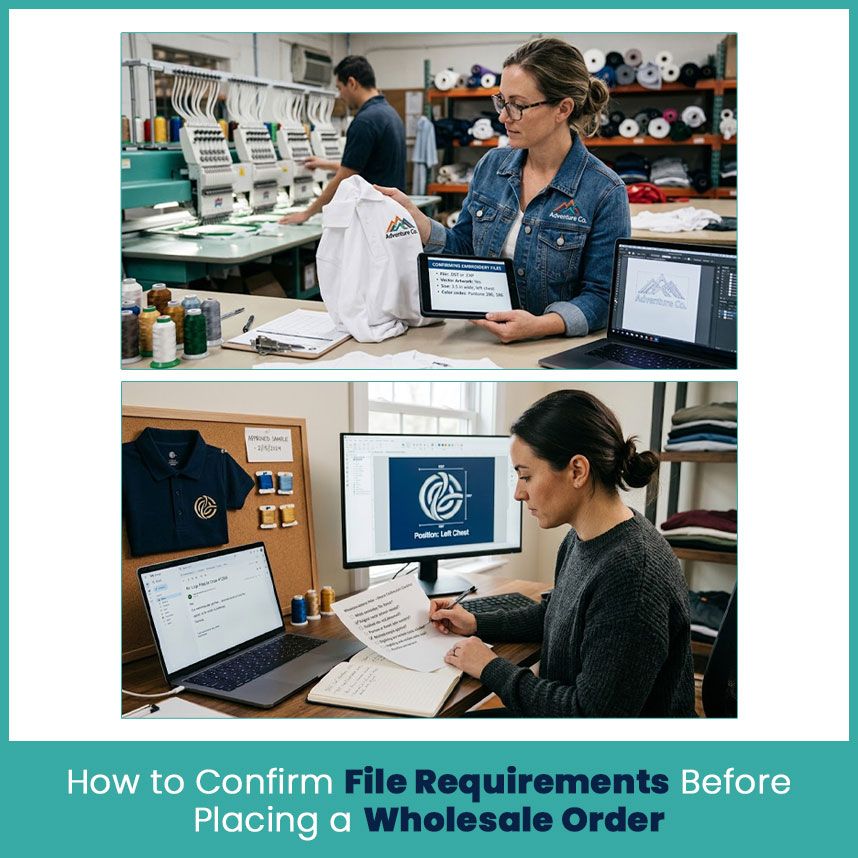
- Which embroidery file format does your equipment use?
- Do you need the original vector artwork?
- What finished size and placement should I give you?
- Do you need Pantone codes or thread color numbers?
- Can I approve a stitched sample before the full order?
- Are digitizing, file conversion and revisions in the quote?
Keep the answers with your order details. When several people handle artwork and garments, everyone works from the same instructions.
Red Flags When a Supplier Is Vague About File Requirements
Be careful if a supplier can’t tell you which formats they accept, or won’t confirm logo size and placement. Same goes for anyone who can’t explain how they handle artwork changes or sample approval.
You don’t need a long technical lecture. Well, you just need clear answers about files, price and approval before you commit to a big order.
Sample Approval Before the Full Order
Before you approve a large order, inspect a stitched sample on the actual garment whenever you can. Check spelling, size, position, thread colors and how the stitches look.
Messy lettering or a logo in the wrong spot? Ask for a correction before the supplier stitches the rest. Keep the approved artwork and stitch file together so your next order starts with the right version.
FAQs
What is the best embroidery file format for wholesale apparel suppliers?
DST is widely used in commercial embroidery, but the right format depends on the supplier’s machine and software. Ask which one they need before you send the design.
Can I send a JPG logo to my wholesale supplier for embroidery?
Yeah, if the supplier can work from it. A clear JPG is much easier to use than a blurry one, and the artwork may need cleanup before digitizing.
Do I need a separate embroidery file for every garment type or size?
Not always. One logo may work across several garments, but different sizes, fabrics and placements can need adjustments. Ask your digitizer to check each use.
How long does it take to get a supplier ready embroidery file from a logo?
It depends on design complexity, the provider’s workload and the number of revisions. Ask for a delivery estimate when you request a quote.
Author Bio
Matthew Davis
Senior Embroidery Digitizer
I'm Matthew Davis, a skilled embroidery digitizer with more than 15 years of practical experience. I specialize in logo digitizing, 3D puff embroidery designs, applique digitizing, custom embroidery digitizing, and working with difficult fabrics. Over the years, I have worked with different fashion brands and production teams worldwide. I always share simple tips and useful techniques to help both beginners and businesses improve their embroidery work.